$1 to Join + 50% Off Dues 'Til 2027
Use Code OCTDEAL26 See details.
HOW TO MAKE A SMALL GROUP TRAINING RESERVATION
STEP 1: LOGIN
Login to the National Fitness Mobile App on your smart device or Member Hub to make these changes.
STEP 2: FOLLOW THESE INSTRUCTIONS
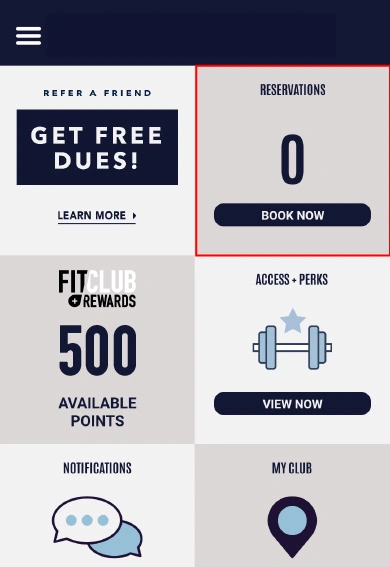
- Tap Book Now in the Reservations tile on the home screen
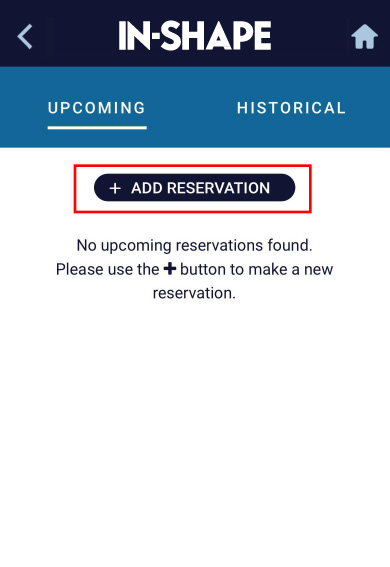
- Tap the + Add Reservations button
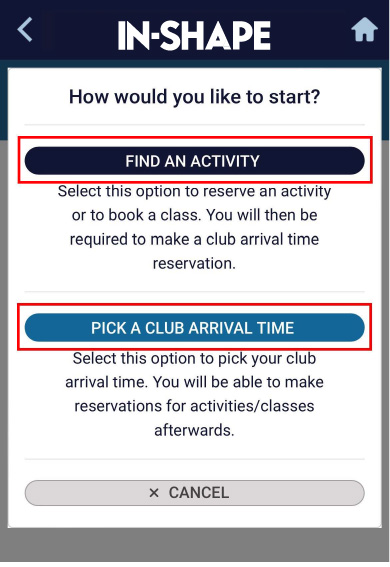
- Select Find An Activity
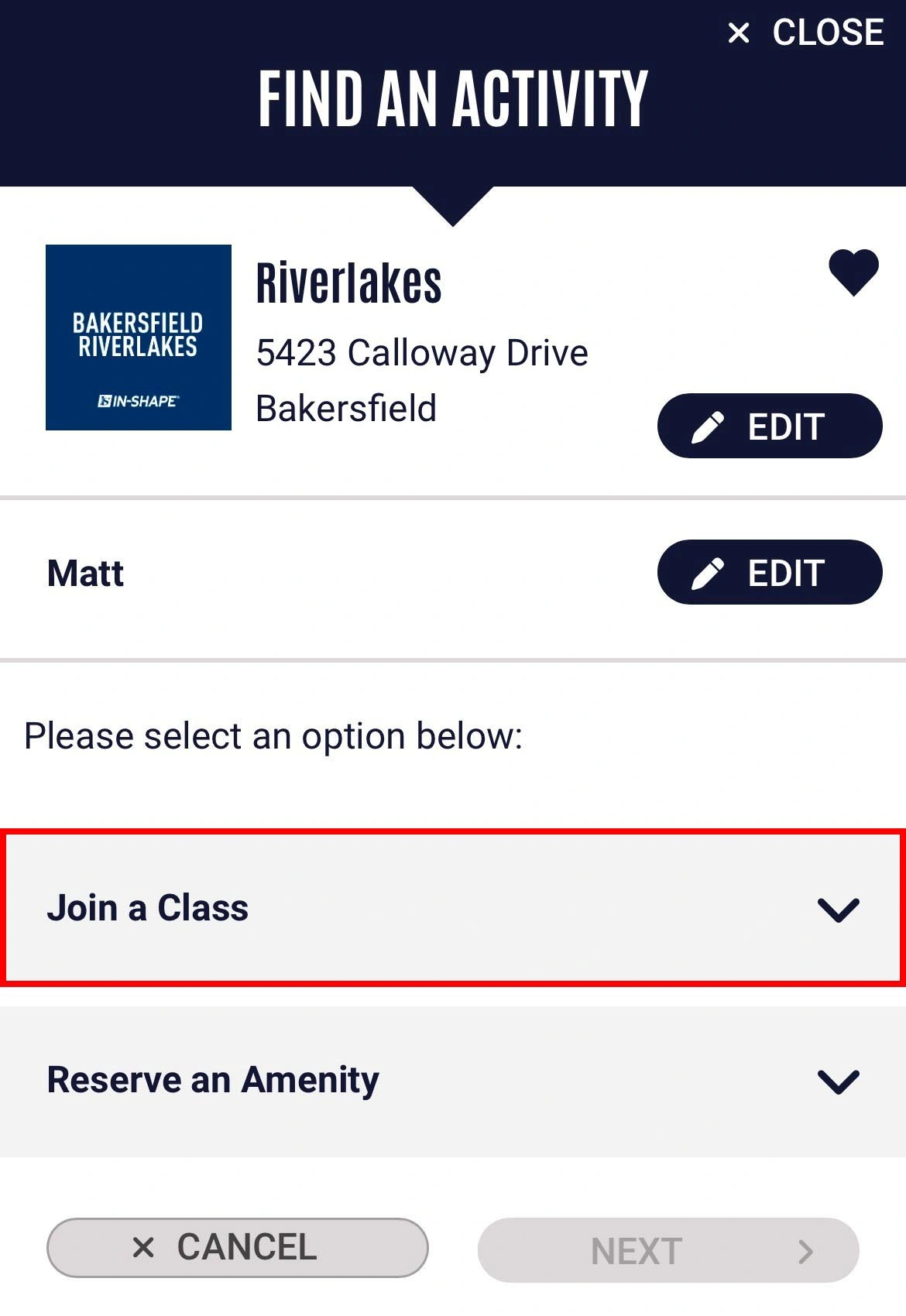
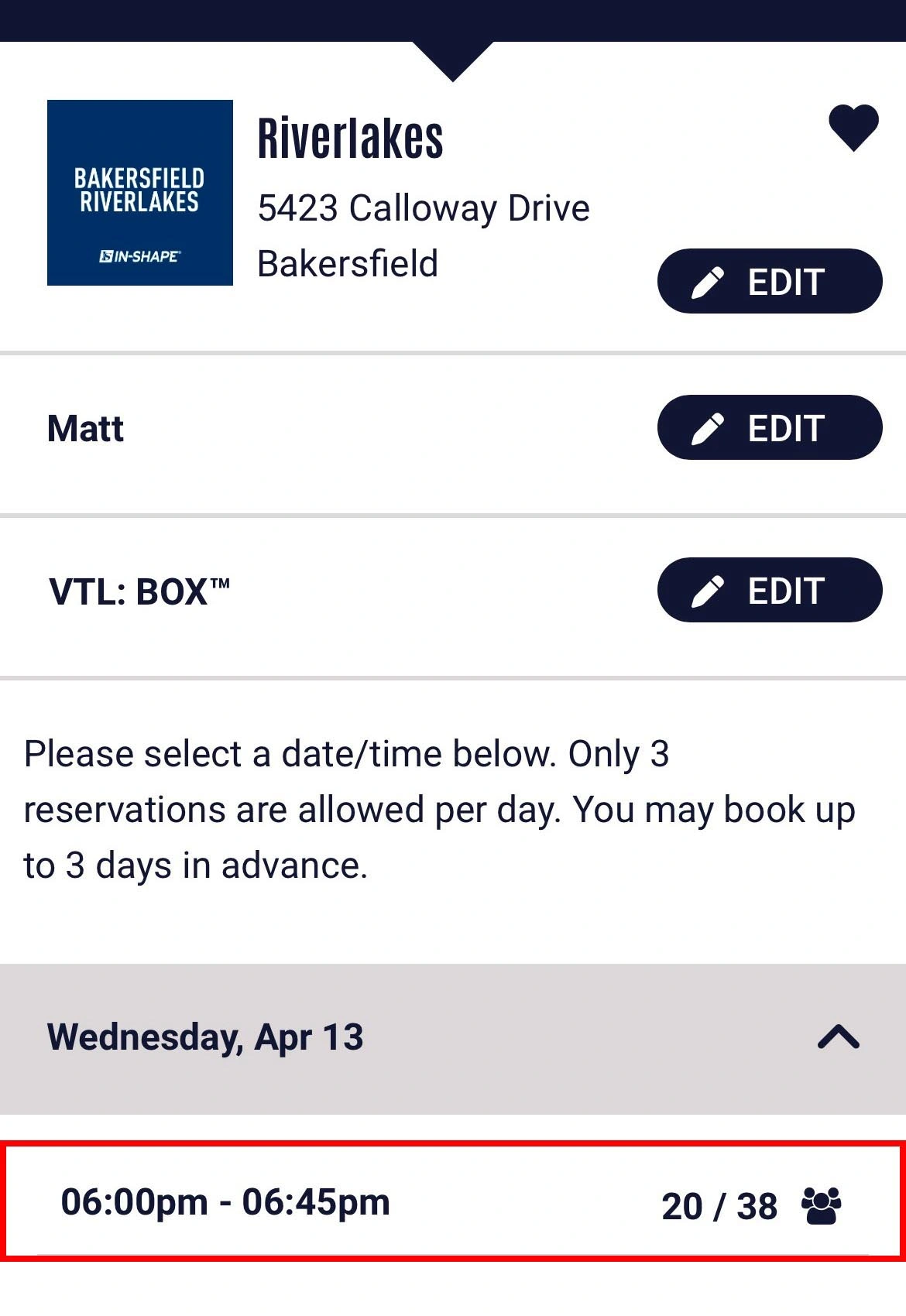
- Change or confirm the club location and member you’d like to make a reservation for. By default, the main member and home club are selected.
Tap Join a Class and select your Small Group Training then tap Next - Select the date and time you'd like to book your session, then tap Next
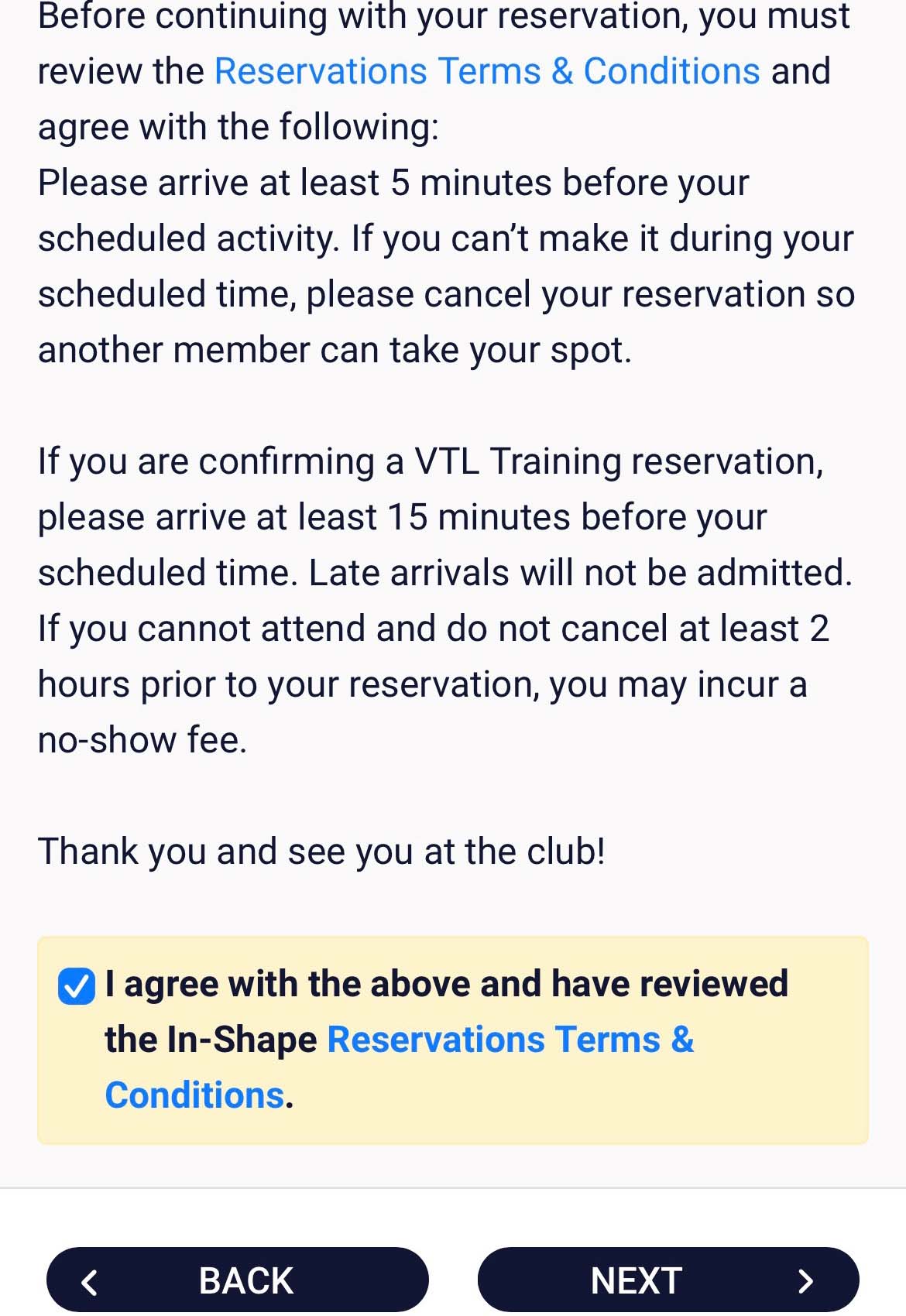
- Review and agree to the Reservations Terms & Conditions and click Next.
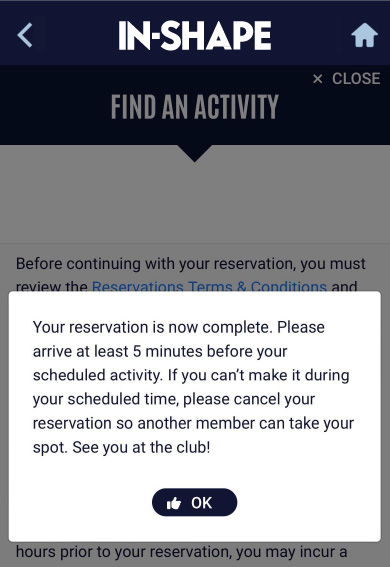
*Please note the Small Group Training session policies regarding arrival time and cancellation. - Your reservation is now complete
You will see a confirmation message and receive an email confirmation. You can edit/cancel your reservation up to 2 hours before the session begins.